


1. PROCESS DESCRIPTION FOR LEARNERS
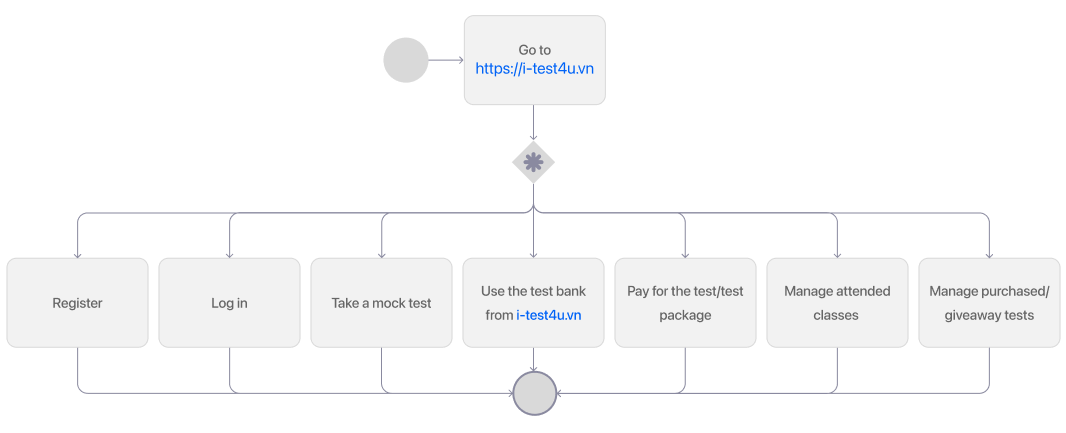
1.1. General function flow chart
1.2. Function description
Step 1: Go to the website https://i-test4u.vn
Step 2: Start exploring the features on i-Test4u.vn, including:
- Register
- Log in
- Take a mock test
- Use the test bank from i-Test4u.vn
- Pay for buy the test/test package
- Manage attended classes, receive teachers' assignment request, and manage test results
- Manage purchased/giveaway tests
2. PAYMENT PROCESS
Step 1: Go to the website https://i-test4u.vn
Step 2: Learners can choose the following options based on their needs:
- Click on the price button to purchase the test directly
- Click “Buy a package” to purchase a package of tests

Step 3: Learners will be directed to the payment interface. They need to choose a payment method, and then click “Pay”
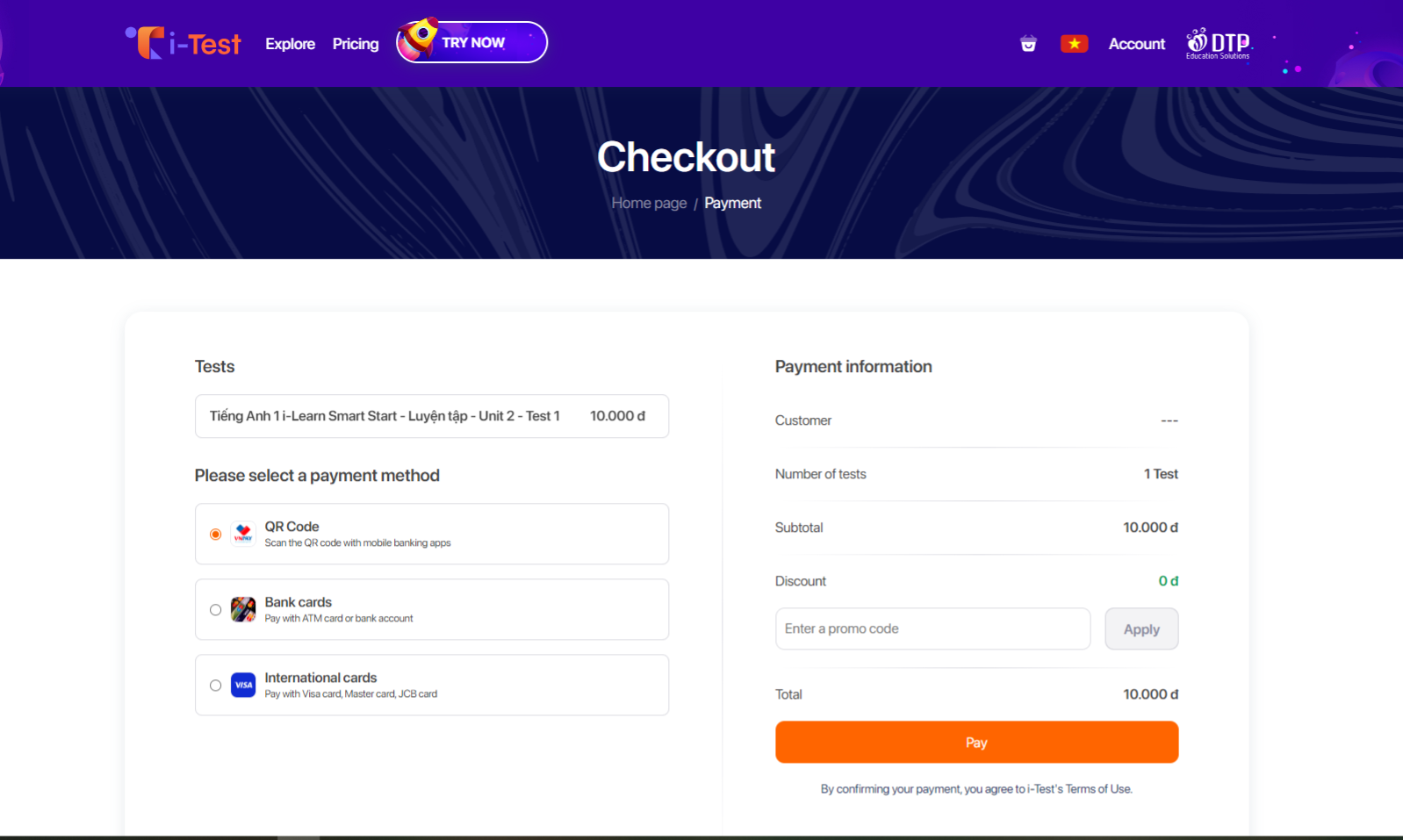
Step 4: Learner's login status will be checked and classified into these two possible cases:
- If the learner has not logged in: a login request will be displayed, requiring the learner to log in. Once logging in, the learner will be redirected to the payment interface to complete the payment process.
- If the learner has already logged in: the learner will be directed to VNPay Portal to process payment.
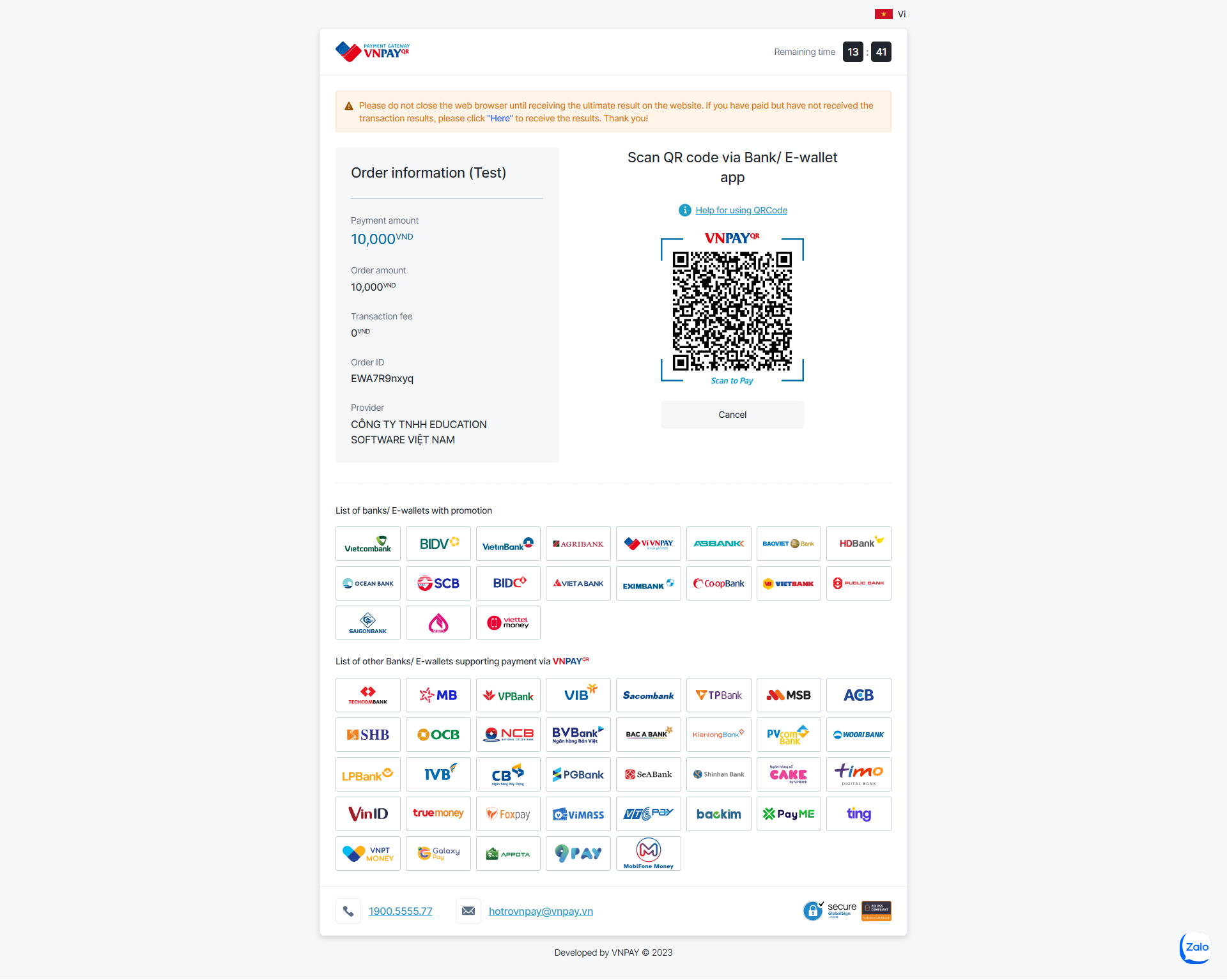
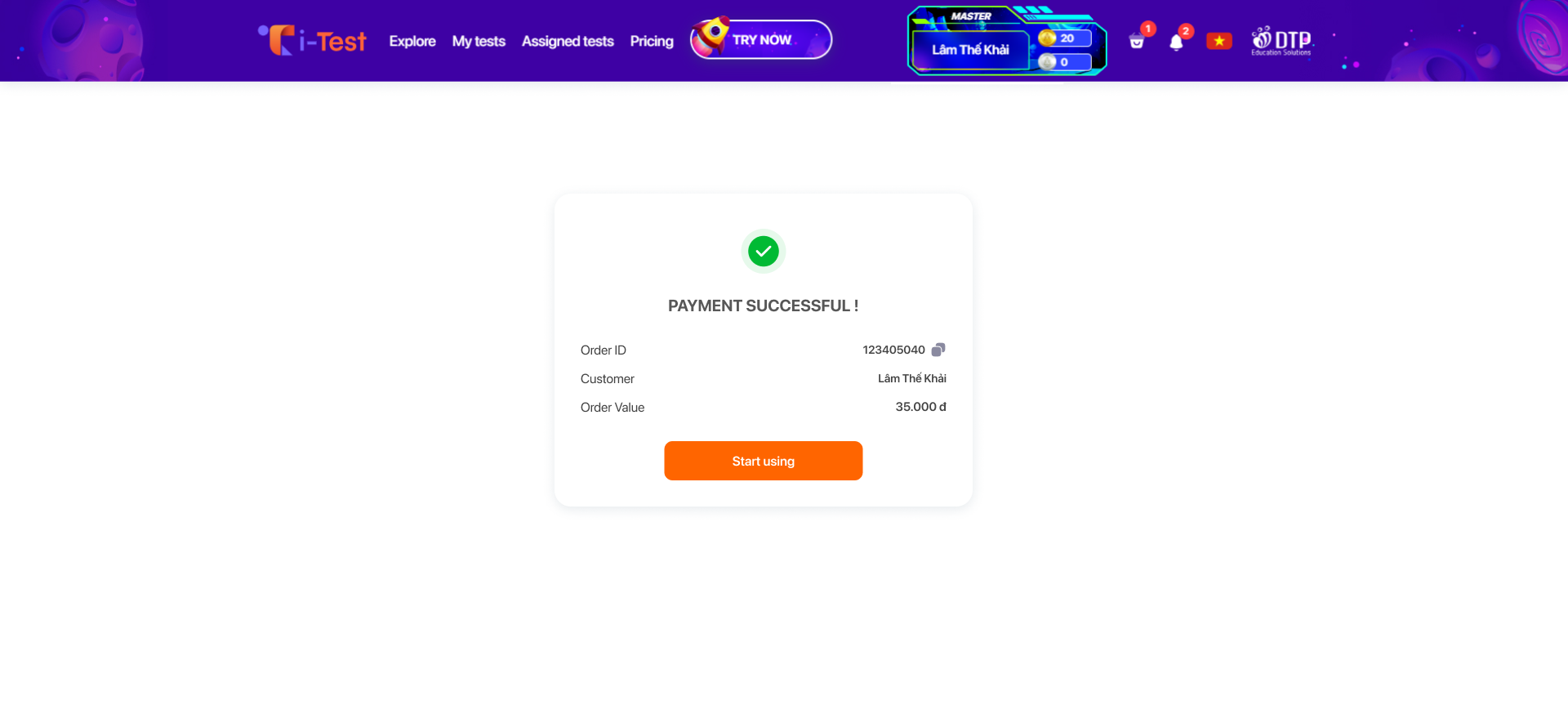
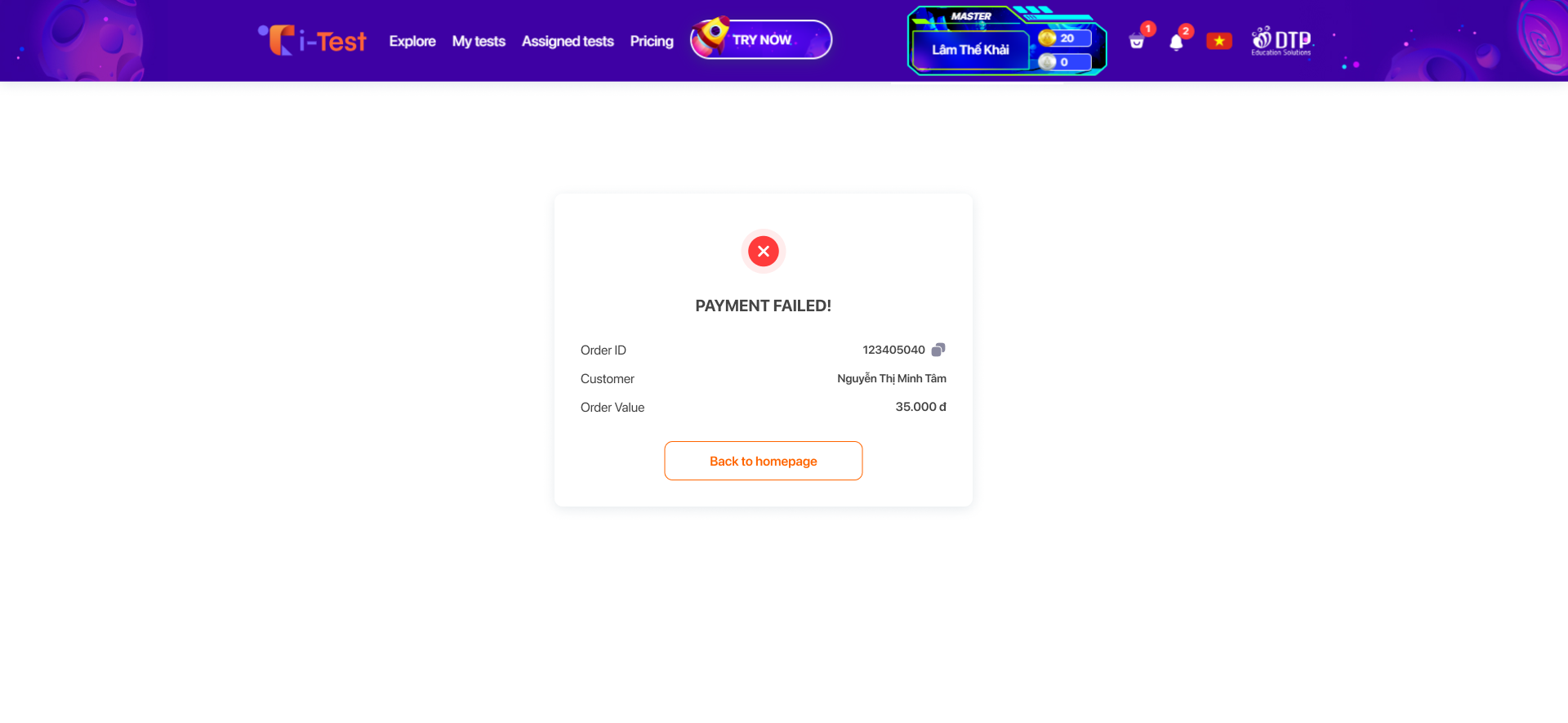
Step 5: Once the payment is completed, the transaction result will be displayed, and the learner will be directed to the home page.
5.1. If the payment is successful
5.2. If the payment fails
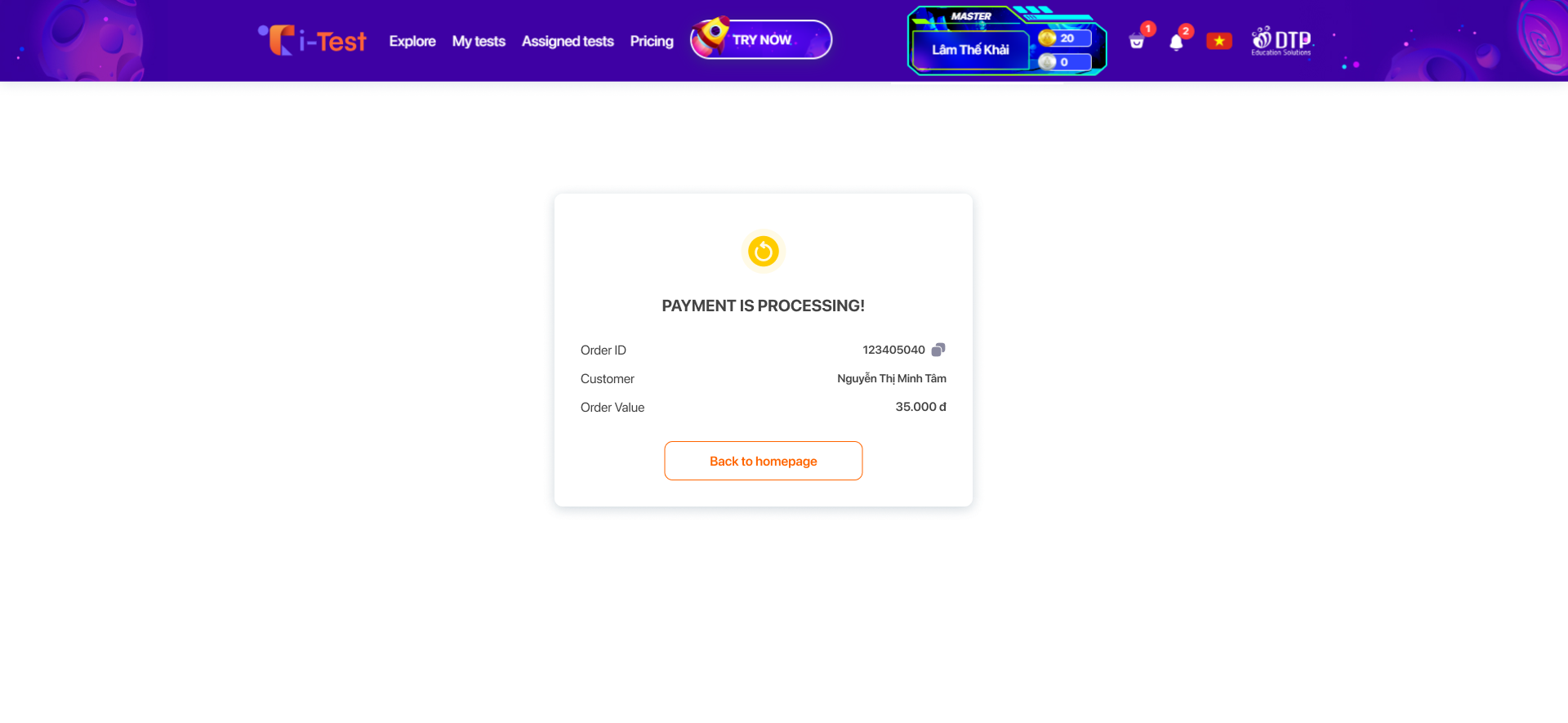
5.3. If the transaction is pending because VNPay is under processing